RecordLog / Photo documentation
Keep a recordof what matters
RecordLog brings photographs, useful details and project context into one clear record you can generate and share as a PDF.
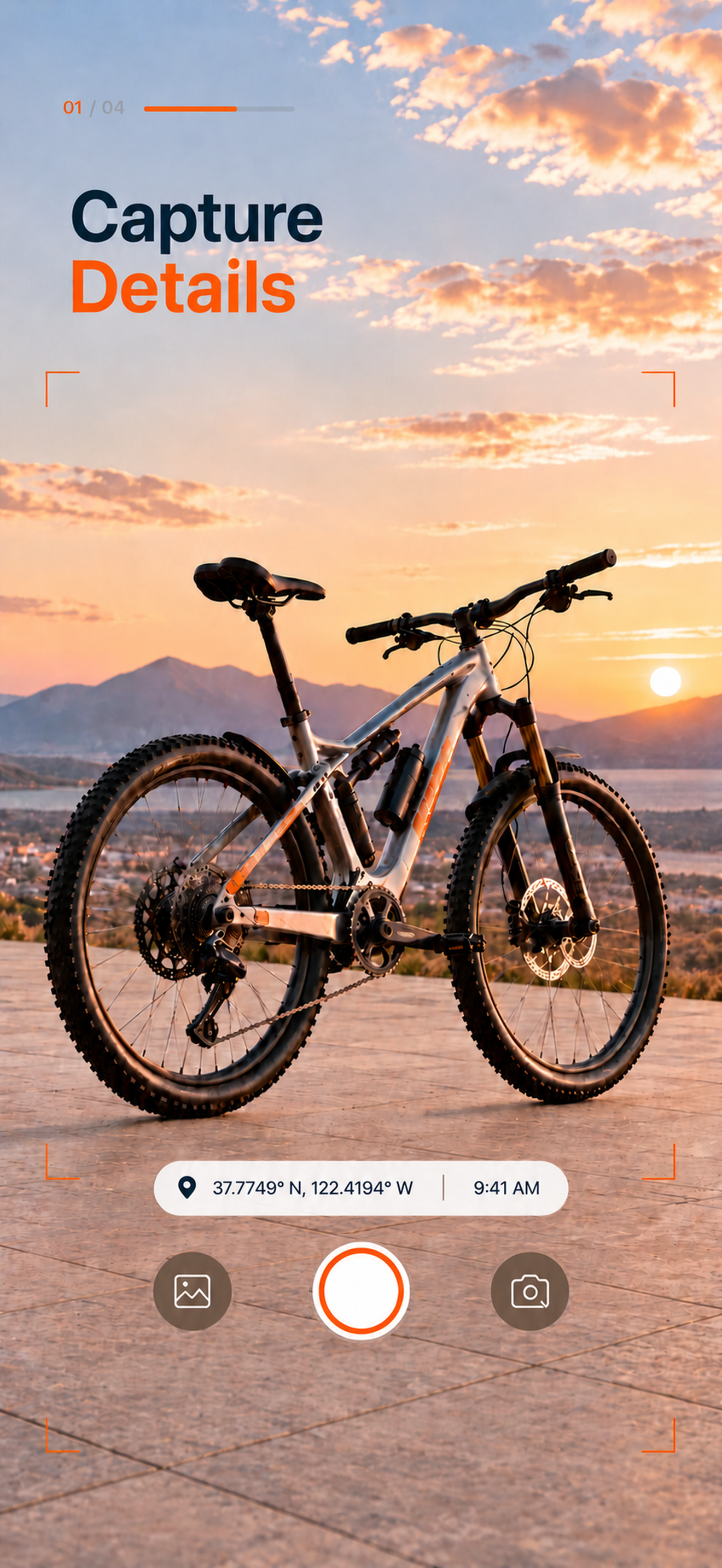
01 Capture
Begin With Photos
Start by capturing photographs and the details that matter. RecordLog brings them together in one project, keeping everything organised from the beginning.
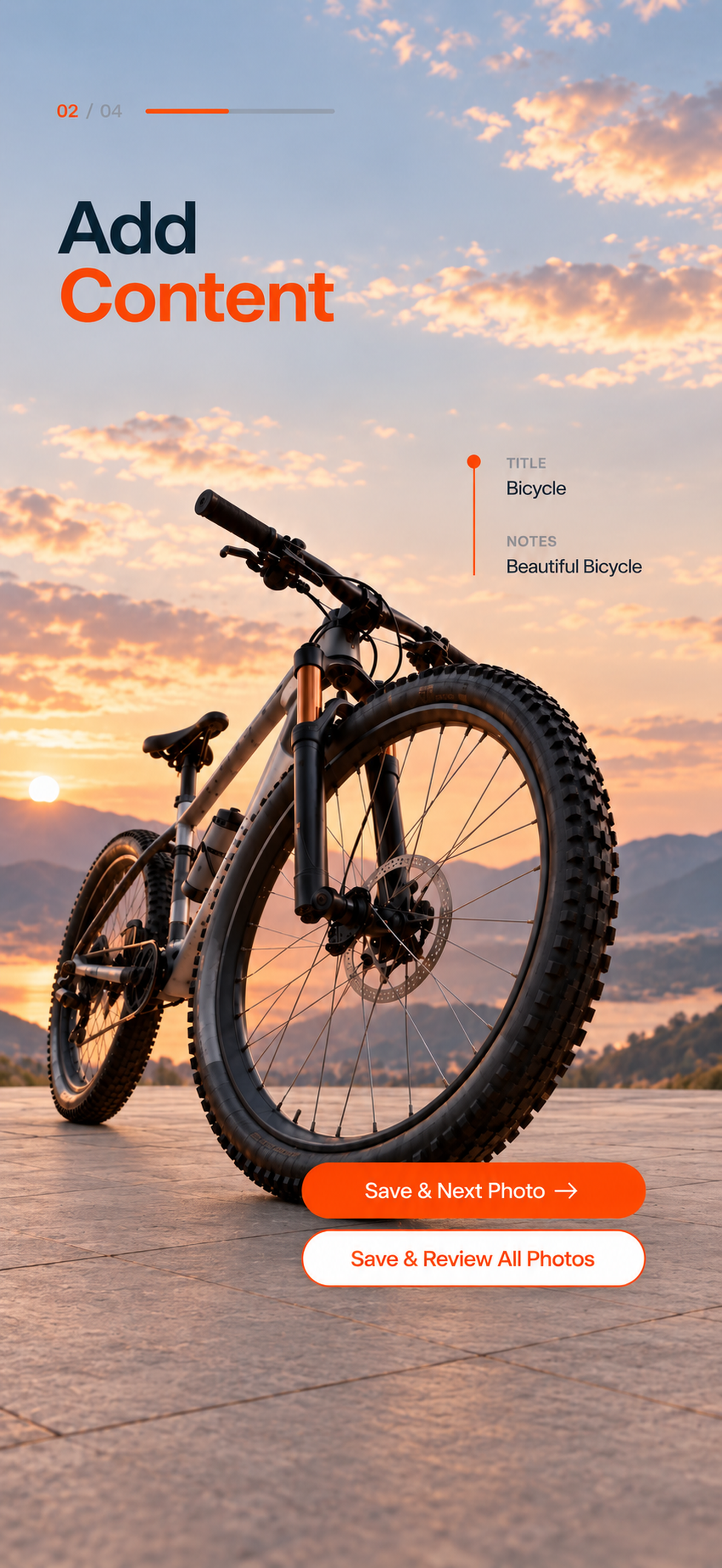
02 Add context
Add Photo Details
Add a title and optional note to each photograph, so its details are clear when you return to the project. Review and reorder photos before generating the PDF to keep the record in your chosen order.
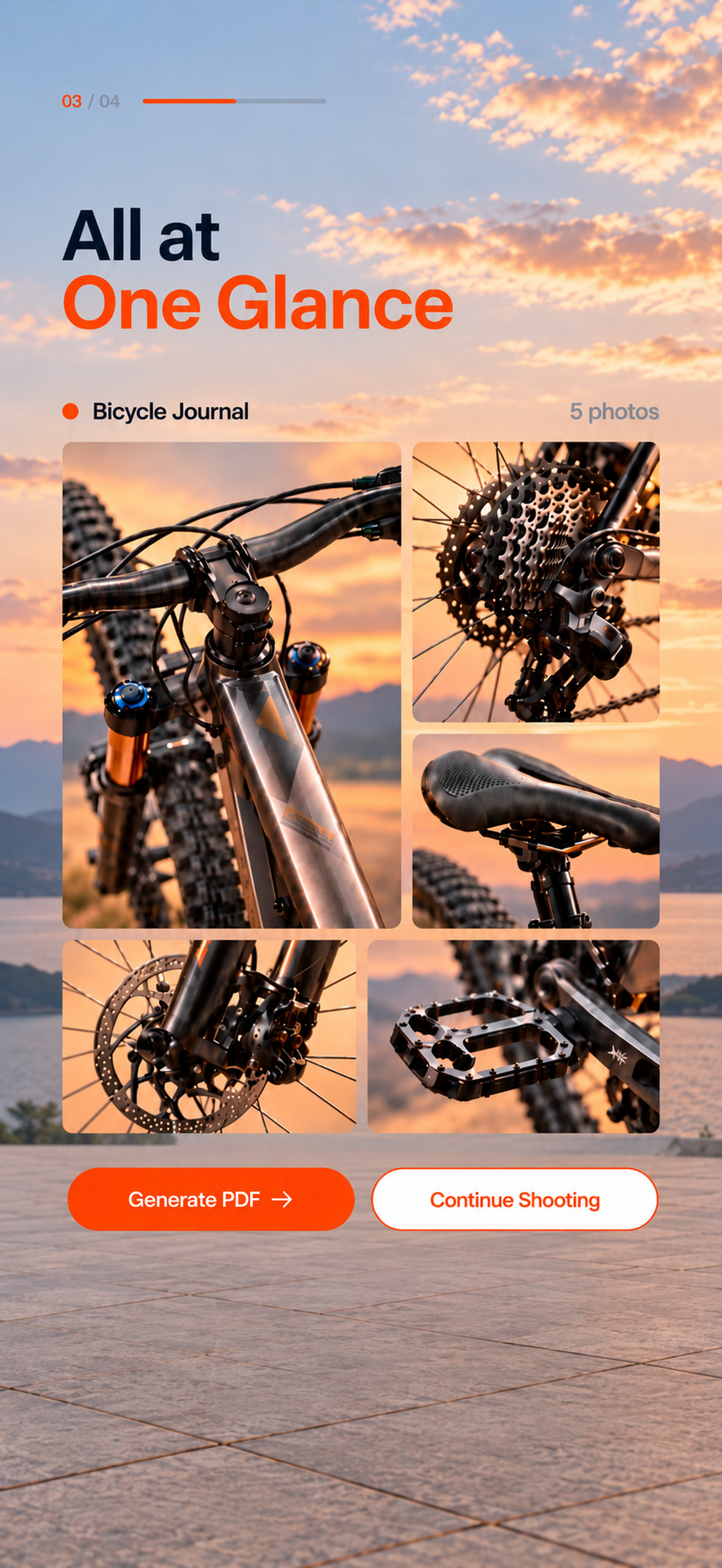
03 Review together
Review Everything
See project details and photographs together. Each project supports up to 12 photos, so you can review the whole record at a glance. Add optional location information when it is relevant to the project.
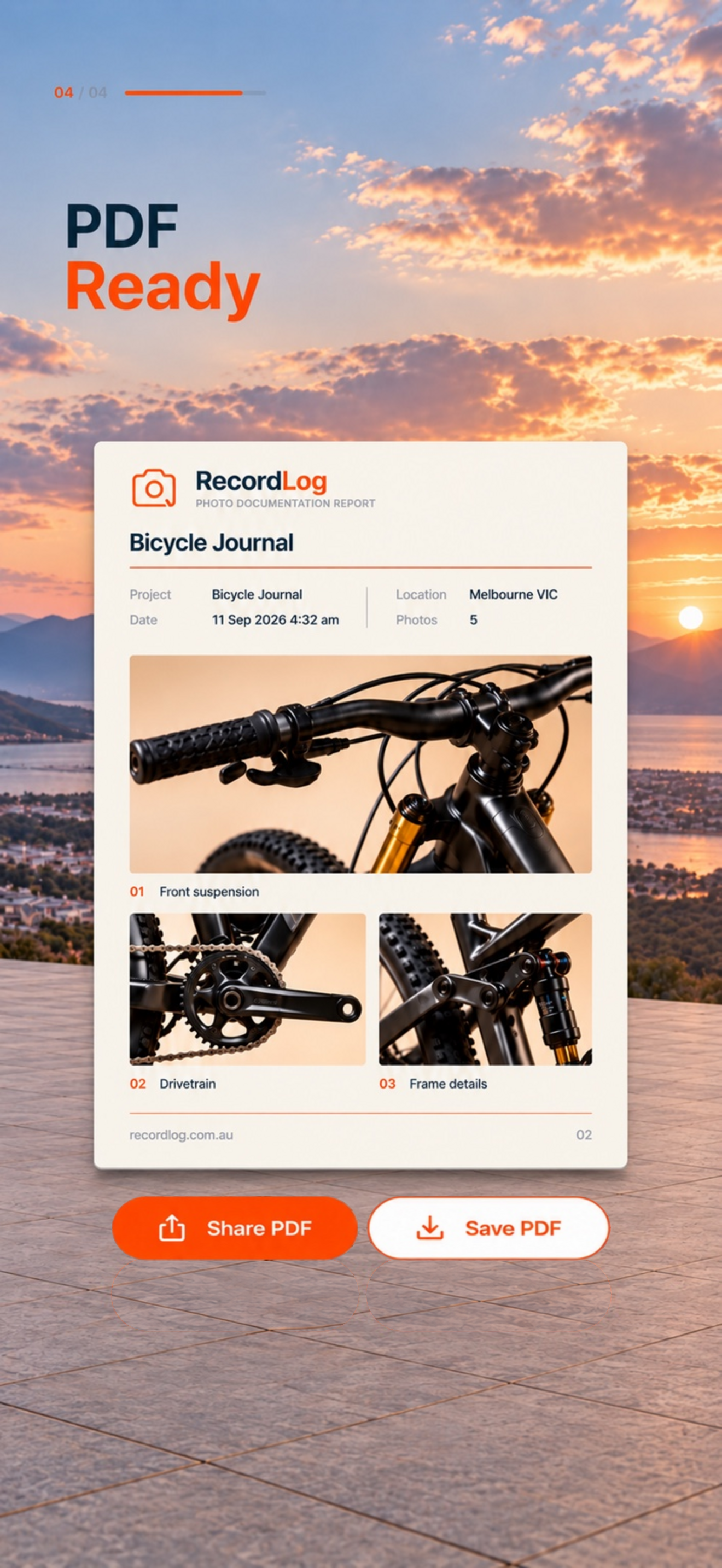
04 PDF ready
Create Your Record
Generate a structured PDF containing your project photographs and details. Use Share PDF and your device’s sharing options to send the record or save a copy for reference.
You CaptureRecordLog Docs
 Documentation tool only. RecordLog does not certify or validate what is photographed.